Your iPhone and Mac, one screen.
Hold your iPhone next to your Mac and drag a file off its edge. It slides onto the Mac and lands on your Desktop right where it crossed. Drag from Finder to the screen edge to send it back.
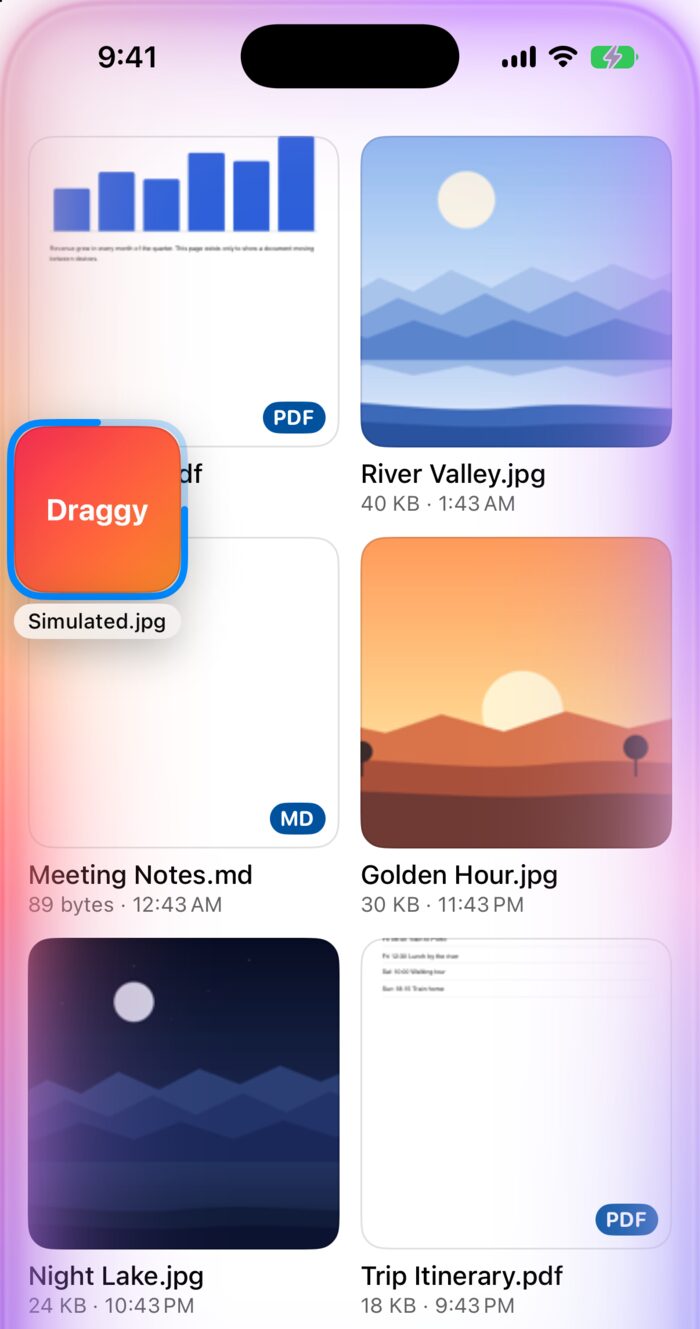
Try it: drag a file onto the iPhone, or select one and press Return.
A file leaves the iPhone and lands on the Mac. Recorded on a real iPhone and Mac.
Pair once. Then just drag.
Pair with a six-digit code the first time. After that, the two find each other on their own whenever both apps are open.
| You | Draggy |
|---|---|
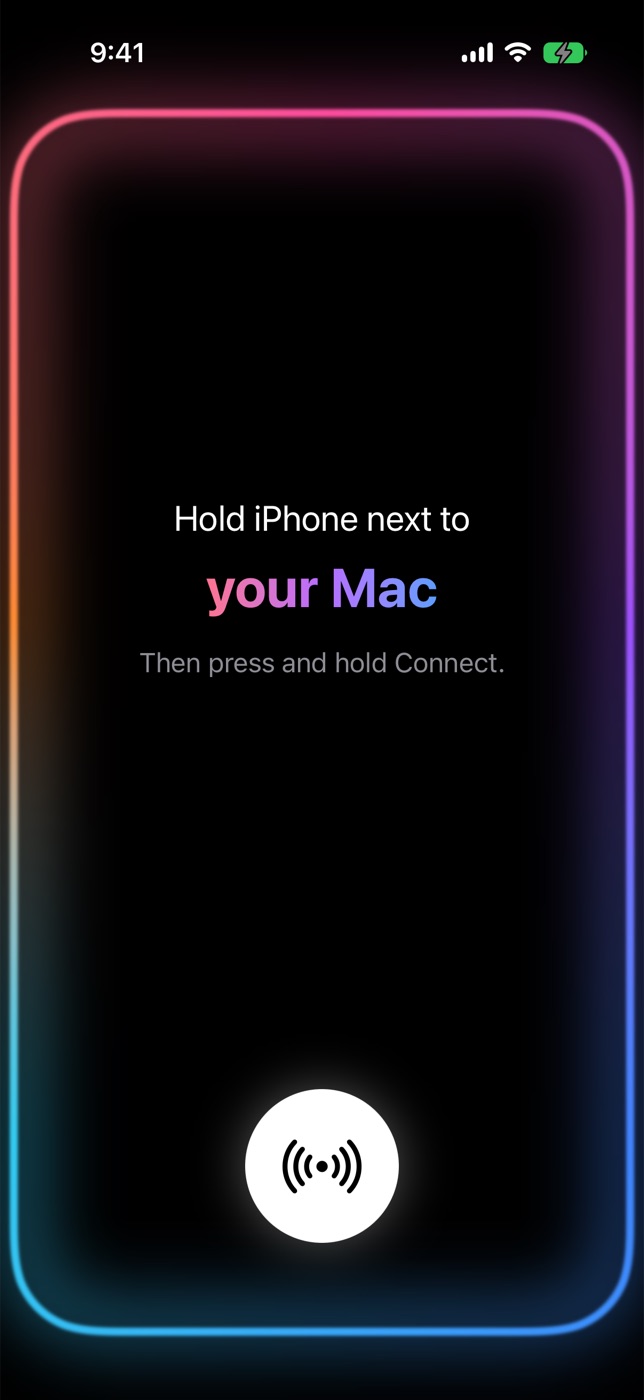
| Hold the iPhone next to the MacTell Draggy which side of the screen it sits on, then press and hold Connect. | The Mac shows a code. Type it on the phone and they are paired. |
| Drag a file off the edgeLong-press a file and drag it to the edge facing the Mac. | A glow runs around the phone and the file appears on the Mac's screen. |
| Let goRelease it over the edge. | It lands on your Desktop where it crossed, or in a folder you choose. |
| Send one backDrop a file from Finder on the Mac's screen edge. | It shows up in your iPhone's grid. |
Made to feel like one device.
Files move over your own Wi-Fi, encrypted, straight from one device to the other.
Nothing leaves your devices.
Draggy talks only to your own paired devices, on your local network. There is no server to send anything to.
- Account
- None. Nothing to sign up for.
- Cloud
- None. No analytics, nothing tracked.
- Network
- Your local network only. Never mobile data, never the internet.
- Encryption
- Between paired devices, with a key each pair agrees through a six-digit code.
- Clipboard
- Read only when you ask. Never in the background.
- Crash reports
- Stay on your device unless you turn them on and export them yourself.
- Price
- Free.
Get Draggy
Free, with no tiers. You need both apps: one on your Mac and one on your iPhone or iPad.
Mac
macOS 15 Sequoia or later. Signed with a Developer ID and notarized by Apple.
Download for MacVersion 1.2, 2.1 MB disk image.
iPhone and iPad
iOS and iPadOS 18 or later. Join the public beta through Apple's TestFlight app.
Join the TestFlight betaThe link opens once Apple approves the beta.